
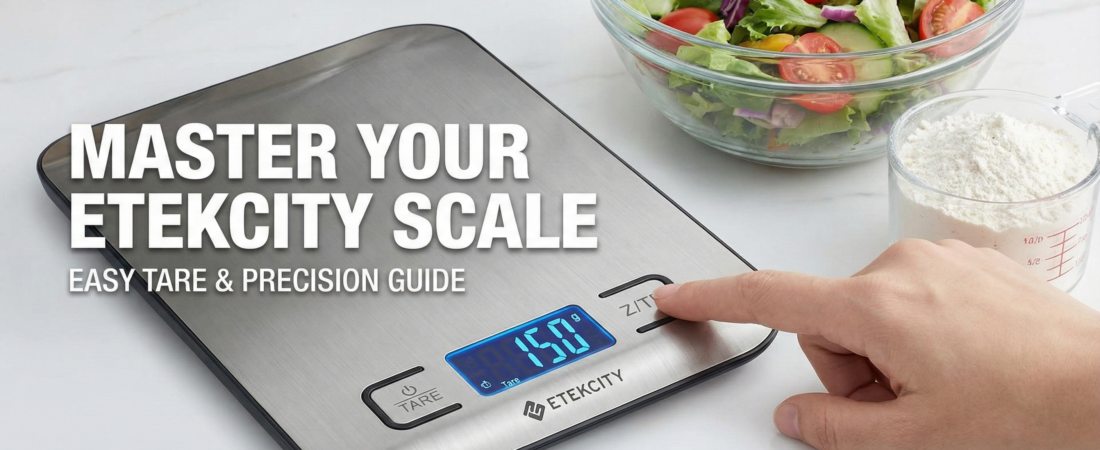
Learn exactly how to use the Etekcity food scale. This guide covers the Tare function, changing units, battery replacement, and troubleshooting error codes.
Cooking should be fun. Cleaning up messes is not fun. Guessing measurements leads to dry cakes and salty soups. You likely want a better way to cook. The Etekcity Food Scale offers a simple solution. It brings professional accuracy to your home kitchen.
Many people buy this scale but never use it properly. They stick to the basic settings. They miss out on the features that make cooking faster. This guide covers everything you need to know. You will learn how to set it up, how to master the “Tare” button, and how to fix common errors.
If you do not own one yet, this tool might change your kitchen life. It removes the need for dirty measuring cups. It helps you track portion sizes instantly.
Check the current price on Amazon to upgrade your kitchen setup today.
Getting Started: Unboxing & Setup
You just received your new scale. The box is small and light. Opening it reveals the sleek stainless steel device. Getting it ready takes only a moment.


Installing the Batteries
Most Etekcity models come with batteries included. You will typically find two AAA batteries in the box.
- Flip the scale over.
- Locate the battery compartment on the back.
- Open the small plastic door.
- Pull out the clear plastic safety tab. This tab stops the batteries from draining during shipping.
- Close the door. The scale is now ready.
Some smaller models use a round CR2032 coin battery. The process remains the same. Remove the plastic strip to activate the power.
Finding the Right Spot
Placement matters for accuracy. Digital scales rely on sensitive sensors in the feet.
- Do: Place the scale on a hard, flat counter. Granite, wood, or tile works best.
- Do Not: Place the scale on a towel, carpet, or soft mat. Soft surfaces absorb the weight and cause wrong numbers.
Turn the scale on by pressing the power button. You should see a bright “0” on the screen.
The Basic Functions (Step-by-Step Guide)
Using this gadget is intuitive. The buttons are labeled clearly. Here is how to handle the daily tasks.

Power On and Off
A simple press of the ON/OFF (or Z/T) button wakes up the display. The screen lights up with a blue backlight. This helps you read numbers in dim kitchens.
To turn it off, press and hold the same button for two seconds.
Note: The scale saves battery power automatically. If you leave it alone for two minutes, it turns itself off. This feature saves you from buying new batteries constantly.
How to Weigh an Item
Weighing food is the primary function.
- Turn the scale on.
- Wait for the screen to show “0”.
- Place your item gently on the center of the platform.
- Read the number.
Changing Units (The Unit Button)
Recipes use different measurements. Some ask for grams. Others ask for ounces. You do not need to do math in your head.
- Find the button marked UNIT.
- Press it to cycle through the options.
- g: Grams (Great for baking flour and sugar).
- oz: Ounces (Great for meat and cheese).
- lb:oz: Pounds and Ounces (Great for large roasts or parcels).
- ml: Milliliters (Great for water and milk).
The screen shows the current unit in tiny text. Make sure you check this before you start pouring.
Mastering the “Tare” Function (Zeroing Out)
The “Tare” button is the most important feature. It allows you to subtract the weight of your bowl. You measure only the ingredients, not the container.
Why Tare Matters
Imagine you want to weigh flour. You cannot put loose flour directly on the scale. You need a bowl. But the bowl has weight too.
- Without Tare: You weigh the bowl (300g). You add flour (total 400g). You do math (400 – 300 = 100g).
- With Tare: The scale does the math for you.
How to Use Tare
Follow these steps to mix a salad or cake batter in one bowl.
- Start Empty: Turn the scale on.
- Add Bowl: Place your empty mixing bowl on the platform. The screen shows the weight of the bowl (e.g., 300g).
- Press Tare: Push the Z/T button once. The screen resets to “0”. The scale now ignores the bowl.
- Add Ingredient A: Pour in your flour until the screen says “100g”.
- Press Tare Again: Push Z/T. The screen goes back to “0”.
- Add Ingredient B: Pour in your sugar until the screen says “50g”.
You can repeat this process for every ingredient. You dirty only one bowl. You use zero measuring cups. Cleanup becomes fast and easy.
Product Spotlight: Why the Etekcity Scale is a Best-Seller
This specific model dominates the market for good reasons. It combines professional features with a home-friendly price.


High-Precision Accuracy
Baking is chemistry. A little too much flour ruins the bread. The Etekcity scale measures in increments of 1 gram (or 0.05 oz). This precision ensures your cookies turn out the same every time. The sensors react instantly. You see the numbers change as you pour.
Durable Design
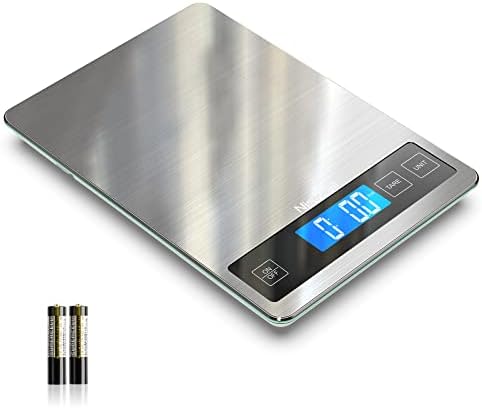
The surface is made of food-grade 304 stainless steel. This material resists rust and stains.
- Easy Cleaning: You can wipe it down with a damp cloth.
- Slim Profile: The device is thin. You can slide it into a drawer or stand it up next to your cookbooks.
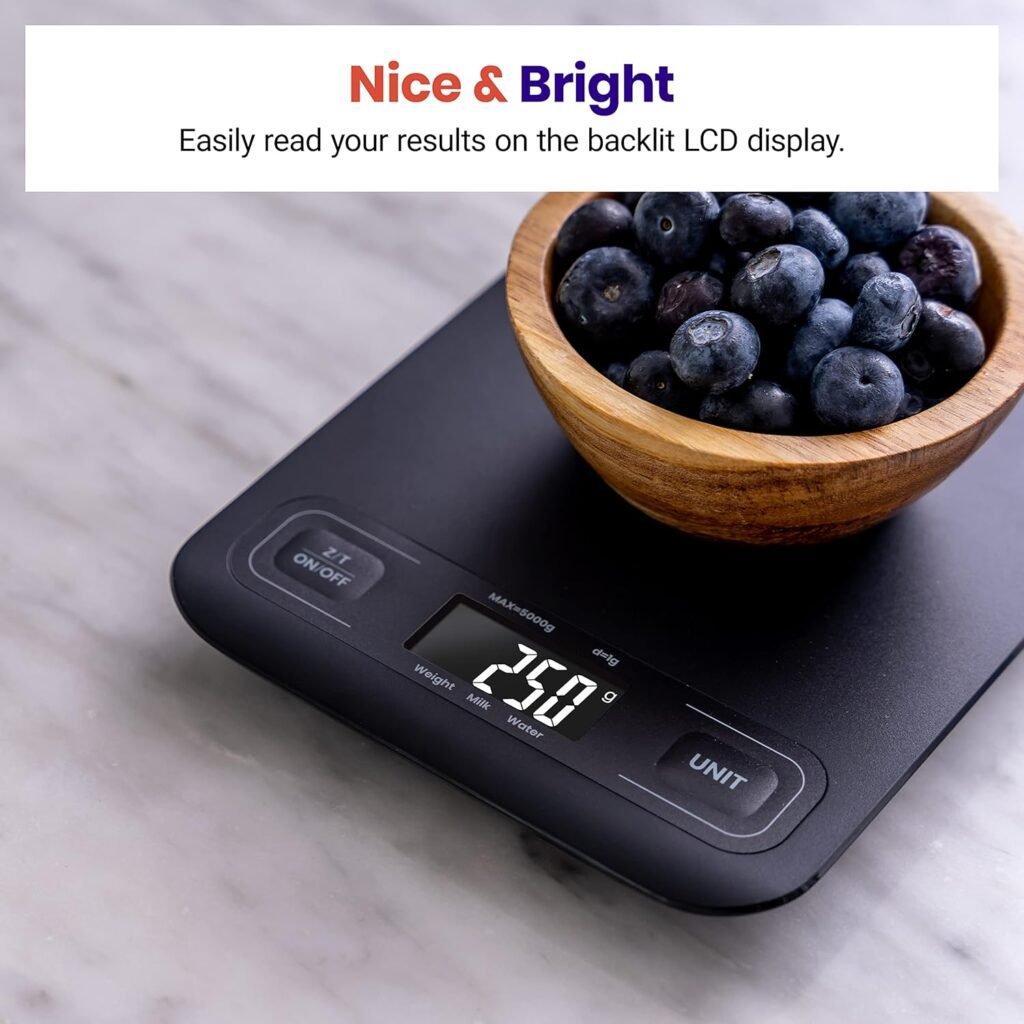
- Clear Display: The LCD screen is large and backlit. You can read it even if a large bowl casts a shadow over the buttons.
Great Value
Professional kitchen equipment usually costs a lot. This tool offers the same reliability for a fraction of the price. It handles up to 11 pounds (5kg). This capacity handles everything from a small letter to a large holiday turkey.
Troubleshooting & Maintenance
Technology sometimes acts up. The Etekcity scale uses simple error codes to tell you what is wrong.
Common Error Codes
- “Lo”: This stands for Low Battery. The power is running out. Replace the two AAA batteries to fix this.
- “Err” or “EEEE”: This stands for Error or Overload. You put too much weight on the scale. Remove the item immediately to avoid damaging the sensors. The limit is usually 11 lbs (5kg).
- Unstable Numbers: If the numbers jump around, check the surface. The scale might be on an uneven table. Make sure no fans are blowing directly on it. Even strong winds can affect the sensitive sensors.
Cleaning Tips
Keeping your scale clean extends its life.
- Wipe Only: Use a soft, damp cloth to remove flour or spills.
- No Soaking: Never dunk the scale in water. It is not waterproof. Water inside the case will ruin the electronics.
- Avoid Chemicals: Do not use harsh sprays or scrubbers. They might scratch the steel finish.
Comparison: Etekcity vs. The Competition
You might wonder how this stacks up against other options.
Etekcity vs. Analog Scales
Old scales use springs and a dial.
- Analog: Hard to read exact grams. The spring wears out over time. Bulky and hard to store.
- Etekcity: Shows exact numbers. Stay accurate. Fits in a drawer.
Etekcity vs. Generic Digital Scales
Cheap plastic scales flood the market.
- Generic: Buttons often stick. Screens are hard to read without a backlight. Plastic bodies crack easily.
- Etekcity: Stainless steel body. Crisp, blue backlight. Responsive buttons. The build quality feels much higher.
Etekcity vs. Glass Scales
Some scales use a glass top.
- Glass: Looks nice but breaks if dropped. Shows fingerprints easily.
- Etekcity: Steel does not shatter. It hides fingerprints better than glass. It looks professional.
Practical Uses for Your New Scale
Owning the scale is step one. Using it every day is step two. Here are three ways to get the most value from your purchase.
1. Better Coffee
Great coffee requires a specific ratio of beans to water.
- Put your mug on the scale.
- Tear it.
- Add 20g of coffee grounds.
- Pour 300g of hot water.
- You get the perfect cup every morning.
2. Portion Control
Dieting is hard when you guess portion sizes. A “serving” of chicken is usually 4 ounces.
- Place your plate on the scale.
- Tear it.
- Add chicken until it hits 4.0 oz.
- You know exactly how much protein you are eating.
3. Shipping Packages
You can use this for more than food.
- Place a letter or small package on the scale.
- Read the weight in ounces.
- Buy the correct postage online.
- You save a trip to the post office.
FAQs regarding the Etekcity Food Scale
How do I calibrate my Etekcity food scale?
Most Etekcity scales come calibrated from the factory. You usually do not need to adjust them. If you suspect it is wrong, try the “penny test.” A standard US nickel weighs exactly 5 grams. Place a nickel on the scale. If it reads 5g, it is accurate. If it reads “Err” constantly, try removing the batteries for 45 seconds to reset the internal processor.
Is the Etekcity scale waterproof?
No. The scale is water-resistant but not waterproof. You can wipe the surface with a wet cloth, but you must not submerge it in a sink of water.
Can it weigh liquids like milk?
Yes. The scale has a specific mode for liquids. Press the UNIT button until you see “ml” (milliliters). Some models even have a specific setting for “Milk” versus “Water” because milk is slightly denser than water.
Does it measure in grams or ounces?
It measures in both. You can switch between grams, ounces, pounds:ounces, and milliliters instantly by pressing the UNIT button.
Why does my scale turn off so fast?
The auto-off feature saves battery life. It usually activates after 2 minutes of inactivity. If you are prepping ingredients slowly, tap the scale tray gently every minute to keep it awake.
What batteries does it use?
Most standard Etekcity kitchen scales use 2 AAA batteries. Smaller “nutrition” models might use a CR2032 coin battery. Always check the battery compartment on the back to be sure.
Final Verdict
The Etekcity Food Scale removes the guesswork from your kitchen. It is simple enough for beginners but accurate enough for experts. The stainless steel design looks great on any counter. The Tare function saves you from washing extra dishes.
Stop using inaccurate cups. Start weighing your ingredients. Your cakes will rise higher. Your coffee will taste better. Your diet tracking will be easier.
Ready to upgrade your kitchen? Grab the Etekcity Scale on Amazon today.